Turning Static Posters and Album Art into Subtle Looping Backgrounds with AI Image Animator
 Paper Animator Team
How musicians, designers, and marketers bring still posters, album covers, and portraits to life with natural motion prompts, smart duration choices, and native audio.
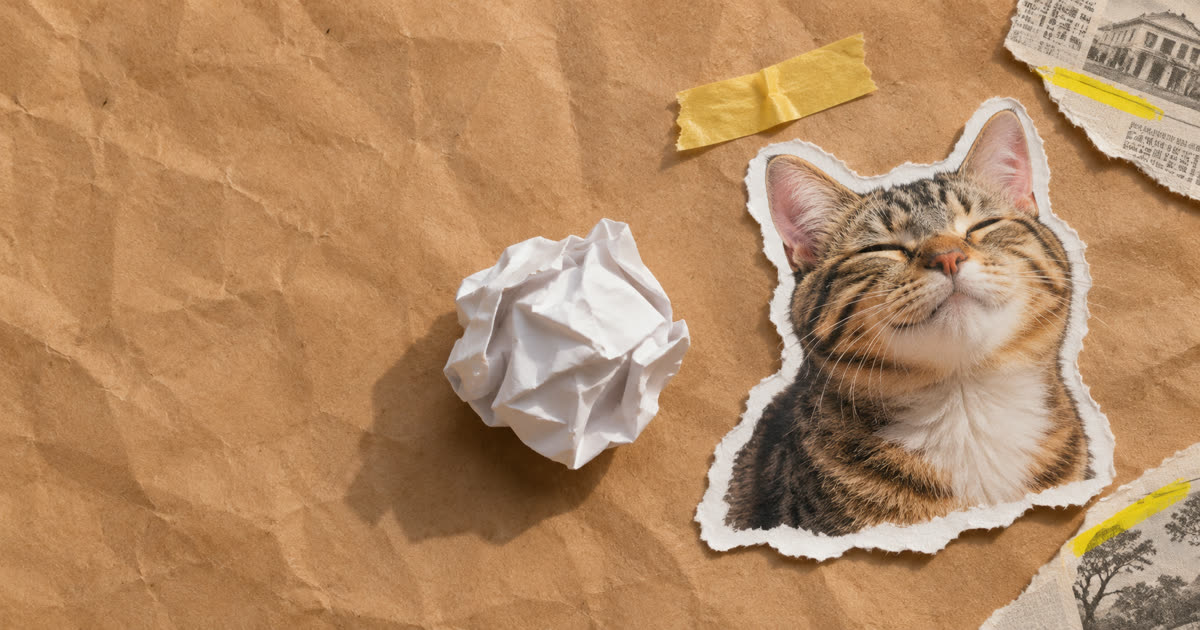
A striking still image—an album cover, event poster, book jacket, or editorial portrait—already carries your color palette, composition, and mood. Yet static images struggle in video-first feeds like Spotify Canvas, Instagram Reels, TikTok, and YouTube Shorts. Instead of redesigning an entire motion graphics project from scratch, you can add subtle atmospheric movement directly to the original artwork using AI Image Animator.
The key to a tasteful animated poster or album cover is restraint. Audiences love watching clouds drift behind a silhouette, candlelight flicker across a portrait, or neon reflections ripple on wet pavement; they immediately tune out when everything on screen warps chaotically. Here is how to direct clean, repeatable motion from a single still picture.
Paper Fold vs. AI Image Animator: which style fits your artwork?
Both tools start from a still image, so deciding which visual language matches your post saves time and credits:
| Creative Goal | Choose Paper Fold (Home Studio) | Choose AI Image Animator (/image-animator) |
|---|---|---|
| Snappy 1–2s hook or tactile sticker reveal | Best fit (crumpled paper ball unfolds into your poster) | Too slow for punchy physical transitions |
| Atmospheric looping background (Spotify Canvas / lo-fi visual) | Static stop-motion look | Best fit (continuous lifelike environmental motion) |
| Preserving crisp fine typography on an event flyer | Best fit (zero text distortion) | Keep camera and text zones still in your prompt |
| Bring a portrait, landscape, or painted cover to life | Stylized paper cutout vibe | Best fit (natural breeze, water, light, subtle camera move) |
Many musicians actually pair both: open a teaser with a 1.5-second Paper Fold sticker unfold of the vinyl sleeve, then cut into a 5-second AI Image Animator atmospheric loop while the chorus plays.
Writing motion prompts that stay faithful to your artwork
AI Image Animator accepts any single JPG, PNG, or WebP file up to 20 MB and keeps its native aspect ratio without forcing an awkward crop. You can leave the prompt blank for automatic gentle motion, or write a focused prompt using a simple three-part formula:
- Subject motion (pick 1 or 2 details max): What gently moves? Examples: "soft breeze ruffles hair and jacket fabric", "slow drifting mist across the mountains", "gentle water ripples reflecting sunset light", or "warm dust motes floating in a sunbeam".
- Camera behavior: Explicitly tell the camera to stay disciplined—"locked static tripod camera" for Spotify Canvas loops and posters with text, or "very slow, smooth push-in" for cinematic portraits and landscapes.
- Stability cue: Remind the scene what should remain steady—"keep typography crisp and readable", "maintain original studio lighting and composition".
Example prompts you can adapt right away
- Indie album cover (outdoor portrait): "Gentle wind moves strands of hair and tall grass in the foreground, soft clouds drift slowly across the sky, natural subtle eye blink, locked static camera, original warm film lighting preserved."
- Electronic music poster (neon city): "Raindrops shimmer on wet asphalt, distant neon signage flickers softly, thin steam rises from street vents, ultra-slow camera drift forward, preserve foreground poster layout."
- Product hero backdrop (coffee or skincare): "Delicate wisp of steam curls upward from the cup, dappled morning sunlight shifts gently across the wooden table, locked-off camera, sharp product label."
Choosing resolution, clip length, and audio without wasting credits
Because AI Image Animator displays exact upfront credit costs before you click generate, testing smartly stretches every credit pack:
- Test your prompt at 480p Fast (4s or 5s — starts at 3 credits): Before rendering a 15-second 1080p master, run one quick 480p test to verify that your motion cues move the right part of the image without distracting artifacts.
- Upgrade keepers to 720p HD (4–15 credits) or 1080p Full HD (8–27 credits): Once you confirm a prompt looks great, render the final resolution needed for your platform. For mobile vertical feeds and background loops sitting behind captions, 720p HD at 5s or 8s often looks super crisp while keeping credit spend efficient. Reserve 1080p Full HD for widescreen YouTube visuals, big-screen promo banners, and hero client deliverables.
- Audio On vs. Muted: Toggle Audio On when you want matching ambient sound (rain, wind, city hum, crackling fire) baked into the MP4 for standalone atmospheric reels. Switch to Muted whenever you are pairing the clip with your own music track or voiceover so you do not need to strip the audio track later.
Remember that failed jobs refund your credits automatically, and credit packs start at $3.49 for 10 credits with 2-year validity (details on our Pricing page).
Making your exported MP4 loop smoothly in a video editor
To turn a 5-second or 8-second MP4 export into a longer 30-second background for a lyric video or YouTube lo-fi mix:
- Drop the MP4 onto your timeline in CapCut, Premiere Pro, or DaVinci Resolve.
- Duplicate the clip right behind itself and apply a short 0.4-second to 0.6-second cross-dissolve between copies (or reverse every second clip for symmetrical waves, clouds, or light pulses).
- Keep the overall motion subtle during prompt writing—locked-camera clips cross-dissolve almost invisibly compared to clips with big camera sweeps.
Upload a cover image or poster to AI Image Animator, run a quick 5-second test, and watch your static artwork breathe in minutes.
More Creator Guides
All guidesHow to Build 2-Second Crumpled Paper Unfold Hooks for Reels, TikTok, and Shorts
A practical creator playbook for choosing high-contrast source photos, setting torn borders and shadows, and exporting crisp 2-second paper unfold openers.
Documentary Text Match Cut Settings: Word Length, Motion Blur, and Pacing Guide
Learn how to choose anchor keywords, balance frame speed and frame count, and tune vertical or radial blur for readable Vox-style newspaper text match cuts.
Using Magazine Letters for Lyric Intros, Pop-Culture Hooks, and Music Clips
How to turn short phrases into energetic ransom-note magazine cutout animations for lyric teasers, pop-culture recaps, and zine-style title cards.