Paper-Tick Sound Effects vs. Silent Exports: Audio Mixing Tips for Voiceovers and BGM
 Paper Animator Team
When to keep Paper Animator’s built-in paper-tick audio on, when to export muted, and simple volume-mixing rules for CapCut, Premiere Pro, and DaVinci Resolve.
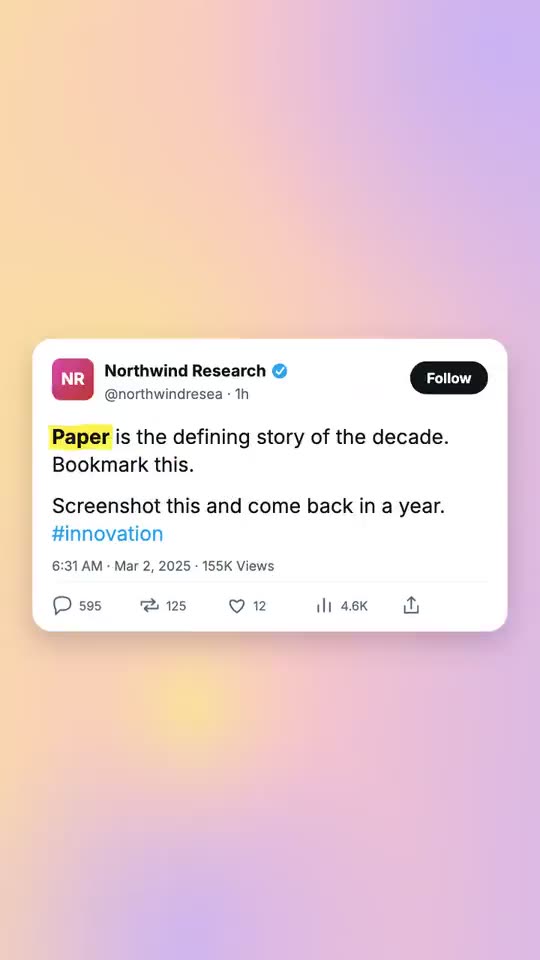
Sound is half of why a paper animation feels physical. Watching a crumpled ball snap open or newspaper headlines flash at five frames per second grabs the eye—hearing a crisp paper tick locked to every frame tricks the brain into feeling real cardstock in front of the lens.
At the same time, leaving built-in sound effects turned on at full volume over a busy hip-hop beat or a rapid-fire podcast conversation creates audio clutter fast. Knowing when to export with Paper-Tick Sound ON, when to export Muted, and how to mix the track in your timeline editor separates crisp, professional shorts from noisy edits.
Quick decision guide: Sound ON vs. Muted export
| Timeline Situation | Export Audio Setting | Recommended Mix Level | Why |
|---|---|---|---|
| Cold-open 1–2s hook before music starts | Sound ON | -6 dB to -10 dB | Immediate tactile hook stops silent-scroll inertia |
| Voiceover + light lo-fi or ambient BGM | Sound ON (then dip in editor) | -14 dB to -18 dB | Adds crisp rhythm underneath speech without competing |
| Fast percussive music track / lyric video | Muted | Off (rely on drum transients) | Prevents off-beat ticks clashing with hi-hats and snares |
| Two-host podcast clip with lively banter | Muted or very soft SFX | -18 dB to -22 dB (or Muted) | Speech intelligibility always wins on phone speakers |
| Looping background / GIF / newsletter embed | Muted / GIF | Silent | Loops cleanly without repetitive clicking fatigue |
Why voice clarity always beats sound effects
Most short-form viewers listen through tiny phone speakers or earbuds in noisy places like transit, gyms, or cafés. Crisp paper ticks sit in the upper-mid and high frequencies—the exact same frequency band that carries human vocal consonants (s, t, k, p). If a loud paper-tick clip plays right on top of an un-dipped voiceover, viewers subconsciously strain to hear what you said.
Follow three easy mixing habits in CapCut, Premiere Pro, or DaVinci Resolve:
- Set voiceover first (
-6 dBto-3 dBpeaks): Make your spoken narration the loudest, clearest anchor in the mix. - Tuck music underneath (
-18 dBto-24 dB): Background music should fill silence without pushing your voice back. - Slot paper-tick audio right between them (
-12 dBto-18 dB): Loud enough to register as a crisp tactile pop on phone speakers, gentle enough that every spoken consonant cuts straight through.
Three creative audio tricks that elevate paper cuts
1. The "silence drop" hook
Start your Reel or Short with zero background music for the first 1.5 seconds—only your voice and a Paper Fold or Text Match Cut clip with paper-tick sound enabled. The moment the paper settles flat on frame zero of your A-roll, drop the music track in. That sudden contrast from dry tactile sound to full music feels deliberate and cinematic.
2. Decouple audio and trim the tail
When you export an MP4 with paper-tick audio, detach or unlink the audio track inside CapCut or Premiere Pro if you plan to freeze-frame the final frame on screen. Keep the crisp ticks strictly under the moving frames, and add a tiny 3-frame fade-out at the end so the audio ends cleanly instead of stopping abruptly mid-click.
3. Swap to Muted when cutting on a musical grid
If you are building a montage synced to a 120 BPM track using Magazine Letters or Tweet Cards, export Muted—or export a frame-by-frame ZIP pack and place each paper frame directly on the song's kick and snare hits. Letting the music provide the percussive snap keeps the groove tight instead of introducing a competing tempo.
Remember: you can grab both versions without paying twice
If you are not sure during studio export whether your final edit will want paper-tick sound or silence, unlock your project once (1 credit, or free with the Unlimited plan) and download both the sounded MP4 and the muted MP4 before changing any settings. Both files stay in your project folder so you can audition them live against your music bed in seconds.
Try previewing your next Text Match Cut or Paper Fold clip with headphones on—a clean 3-second audio check makes the whole video feel twice as polished.
More Creator Guides
All guidesHow to Build 2-Second Crumpled Paper Unfold Hooks for Reels, TikTok, and Shorts
A practical creator playbook for choosing high-contrast source photos, setting torn borders and shadows, and exporting crisp 2-second paper unfold openers.
Documentary Text Match Cut Settings: Word Length, Motion Blur, and Pacing Guide
Learn how to choose anchor keywords, balance frame speed and frame count, and tune vertical or radial blur for readable Vox-style newspaper text match cuts.
Using Magazine Letters for Lyric Intros, Pop-Culture Hooks, and Music Clips
How to turn short phrases into energetic ransom-note magazine cutout animations for lyric teasers, pop-culture recaps, and zine-style title cards.